Anúncios
See which apps can help you recover valuable images and memories in just a few steps.
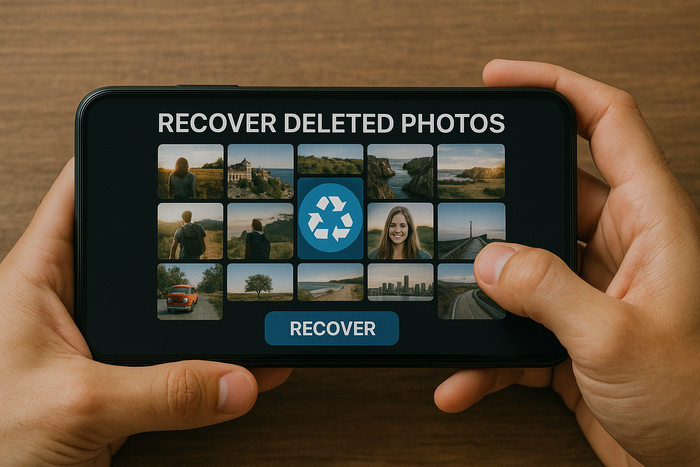
Recovering deleted photos may seem impossible at first, but today’s technology shows that even erased images can get a second chance.
Who hasn’t panicked after accidentally deleting precious memories from their phone gallery? Unforgettable trips, family moments, personal achievements… When those images vanish, the feeling of loss is real.
But before you panic, know this: not all is lost. With the right apps, it’s possible to reverse the situation and bring back those photos you thought were gone for good.
In this article, you’ll discover the best apps to recover deleted photos, understand how they work, and learn valuable tips to boost your chances of success — plus how to prevent this from happening again.
Why we lose photos and what happens to them afterward?
Deleting a photo can be as easy as a mistaken tap. But that’s not the only reason.
Formatting your phone, restoring factory settings, SD card issues, failed updates, or even viruses can cause precious images to disappear from your album.
Here’s something most people don’t know: when you delete a photo, your operating system doesn’t immediately erase it. It simply marks that space as “available,” allowing new data to overwrite it.
Until that happens, there’s a real chance of recovery. That gap is exactly what specialized apps take advantage of.
How photo recovery apps work
The technology behind these apps is simple but powerful. They scan your device’s storage for deleted data that hasn’t yet been overwritten.
It’s like they’re searching behind the scenes of your device’s memory, looking for file fragments that haven’t been completely wiped. The most efficient apps offer two types of scans: quick and deep. The quick scan tries to find recently deleted files.
The deep scan performs a more thorough investigation, which may take longer, but is ideal for photos deleted a while ago or if the device underwent a heavy cleanup.
Of course, there are limits. If you keep using your phone after losing photos, new information may overwrite the space where those old files were stored. That’s why it’s crucial to act fast — and with the right tools.
The best apps to recover photos
Now that you understand the recovery magic, let’s get to the good part: the apps that actually deliver results. The list is divided by platform to make it easier based on your device.
For Android: Instant rescue in your pocket
DiskDigger Photo Recovery
With a simple and effective interface, this app lets you recover photos even on non-rooted devices. Just start the scan and it will show everything that can be recovered. You can filter by file type and even send the recovered images directly to the cloud.
Dumpster
Acts as an extra recycle bin on Android. Once installed, it stores a copy of everything deleted — meaning you can restore photos without scanning your system. Perfect for prevention and peace of mind.
Dr.Fone Android
A complete solution that goes beyond photos: it also recovers videos, messages, contacts, and more. Great for those who want a digital emergency kit. It also offers transfer and backup tools.
For iOS: Safe recovery within Apple’s ecosystem
EaseUS MobiSaver
With a clean and easy-to-use interface, this app is ideal for recovering photos without hassle. It offers fast scanning and lets you preview images before restoring them.
Dr.Fone iOS
Tailored for iPhones and iPads, this app recovers photos, videos, and app data like WhatsApp, even after a system reset. Also helpful in cases of failed updates or device crashes.
Tips to increase your chances of success
Photo recovery isn’t a guarantee — it’s an opportunity. And the better you take advantage of it, the greater your chances. Here are some golden tips:
- Stop using the device immediately after losing photos: This prevents new files from overwriting the deleted image space.
- Avoid installing recovery apps on the same storage: Whenever possible, use a computer to perform the process.
- Run a deep scan, even if it takes longer: Rushing can hurt your recovery chances.
- Save recovered photos elsewhere: Never write them back to the same space where they were lost.
Prevent it: Smart habits that avoid data loss
The best way to protect your photos is to prevent losing them in the first place. A few smart habits can keep your memories safe at all times:
- Enable automatic backup: Platforms like Google Photos, iCloud, and other cloud services automatically save your images.
- Use more than one storage location: Having cloud copies, external hard drives, or memory cards increases your safety.
- Organize your photos regularly: Well-organized albums make it easier to notice losses and quickly restore them.
- Install a recovery app as a precaution: This can make a big difference when something unexpected happens.
- Avoid unknown or untrusted apps: Some may promise photo recovery but end up putting your data at risk.
Conclusion: Your memories deserve a second chance
Losing photos is distressing, but now you know there’s hope — and practical tools — to reverse the situation. With the right apps, a little patience, and the tips you’ve learned here, it’s absolutely possible to recover deleted images and prevent future losses.
Remember: acting fast, using the right app, and maintaining regular backups can make all the difference.
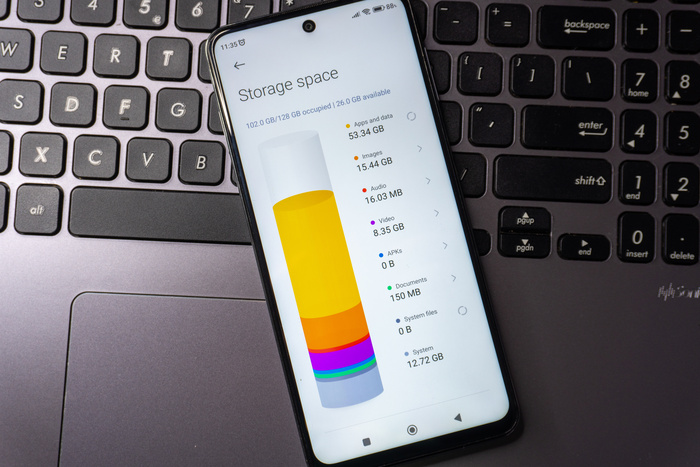
And if your phone is also slow or running out of space, there is an easy fix for that too.
Click the button below and discover the best apps to clean memory and boost your phone’s performance!
Conteúdo recomendado